Browser-based capture
Configure and preview Blender-authored character packages in the browser without adding Unity code to the workflow.
Independent Blender-to-sprite pipeline
Choose a body, Action, equipment and a 2-, 4- or 8-direction profile, then export reusable COLOR and DEPTH PNG atlases with detailed JSON manifests.
This browser Studio belongs to the independent DTWorldz Blender Sprite Pipeline. It is not the DTWorldz 2D Ultimate Animator Unity product and contains no Unity code.
Inside the browser Studio
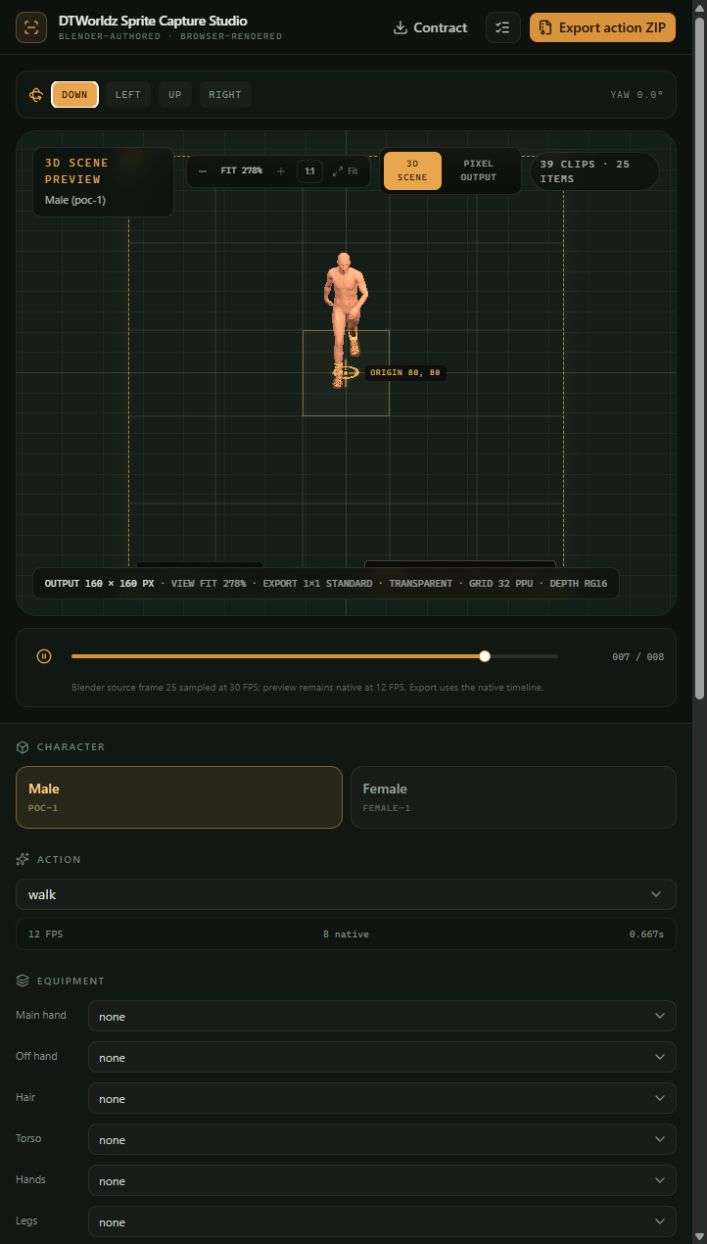
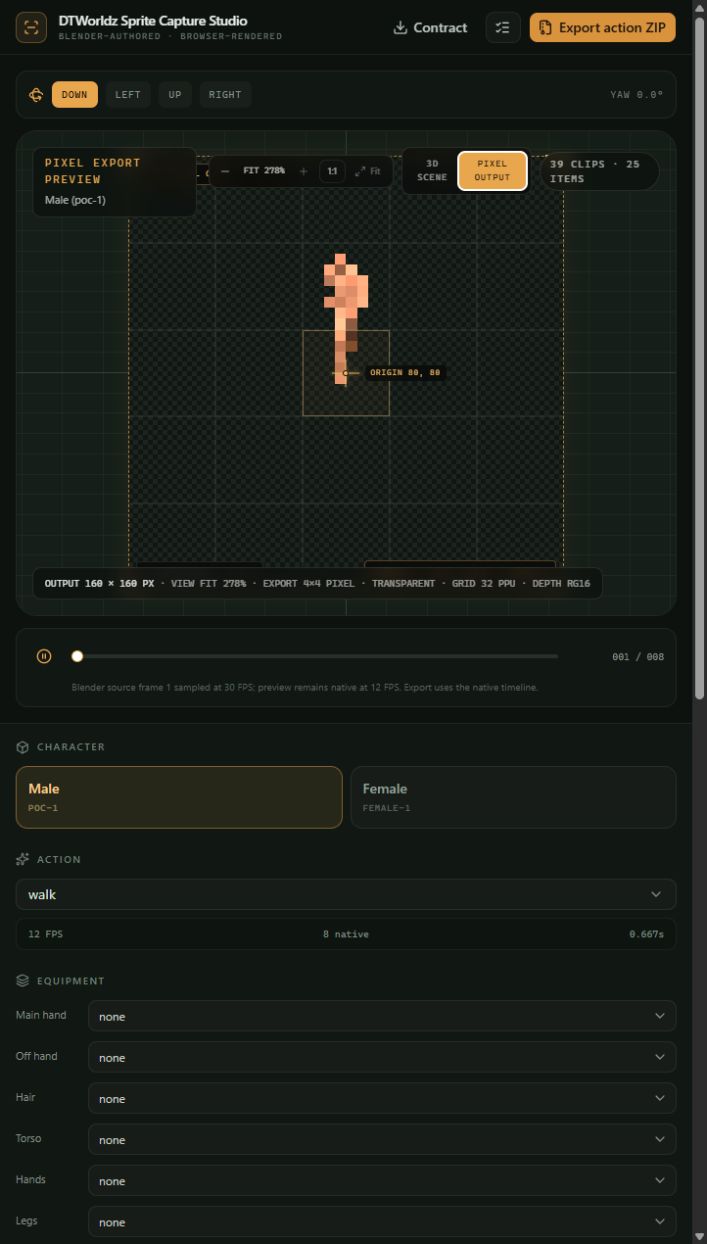
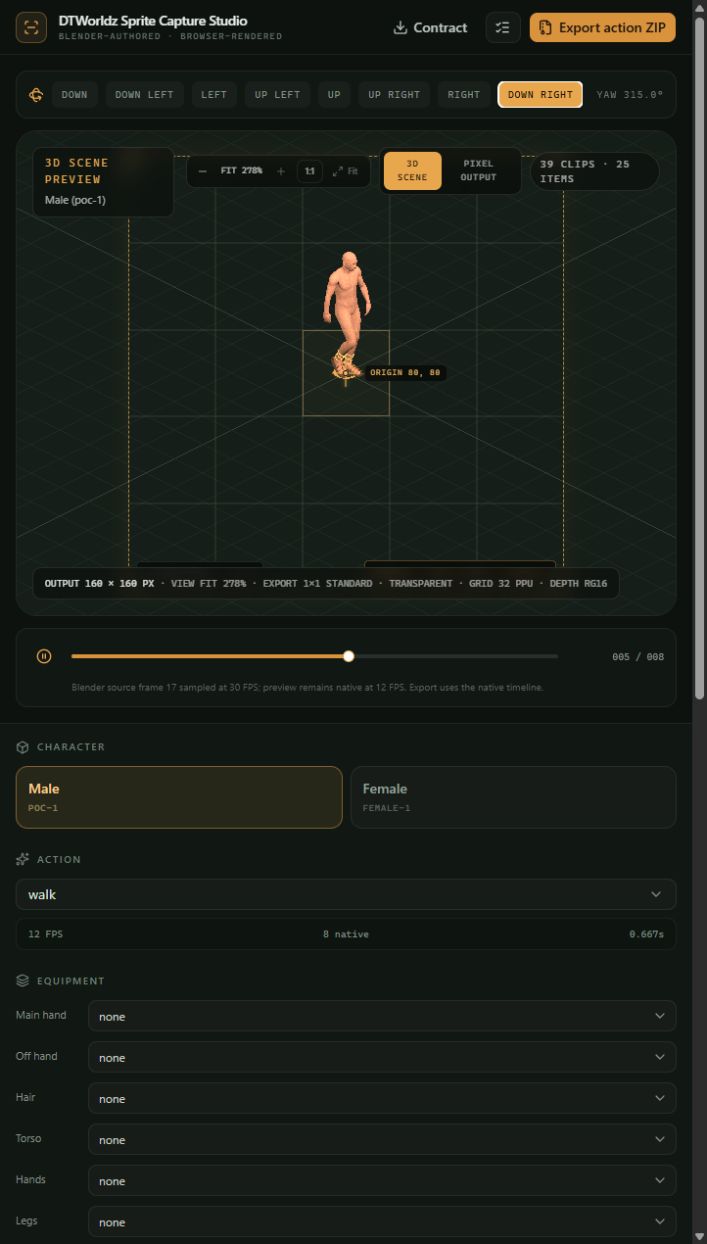
These screens come directly from the working project: the 3D scene, the pixel-accurate output preview and the directional capture view.
Reusable by design
Configure and preview Blender-authored character packages in the browser without adding Unity code to the workflow.
Work with male and female browser packages built around one canonical skin, 39 Actions and 47 equipment items.
Produce paired, cardinal or full eight-direction output with orthographic scale, elevation and yaw controls.
Export body and equipment independently instead of baking every outfit combination into a one-off spritesheet.
Preview the production composition while preserving a fixed cell, foot anchor, frame order and capture contract.
Download one Action and outfit, or batch-write reusable entities with manifests, hashes and progress recovery.
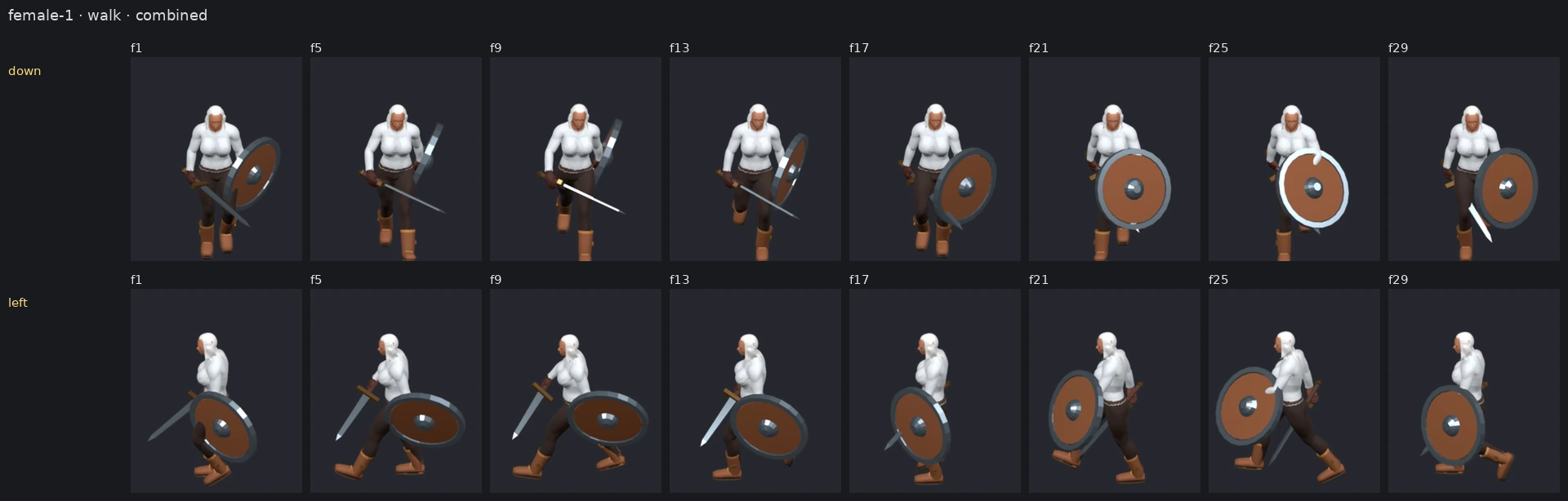
Captured motion
Five-step workflow
Preview settings and export settings use the same contract, so the frame you inspect is the frame the package records.
Start with the male or female browser capture package.
Choose an animation and assemble an outfit from reusable equipment slots.
Use a 2-, 4- or 8-direction profile and inspect every required view.
Set output size, origin, PPU, frame policy and orthographic camera controls.
Download an Action ZIP or write a reusable layered library to a selected folder.
Reusable equipment
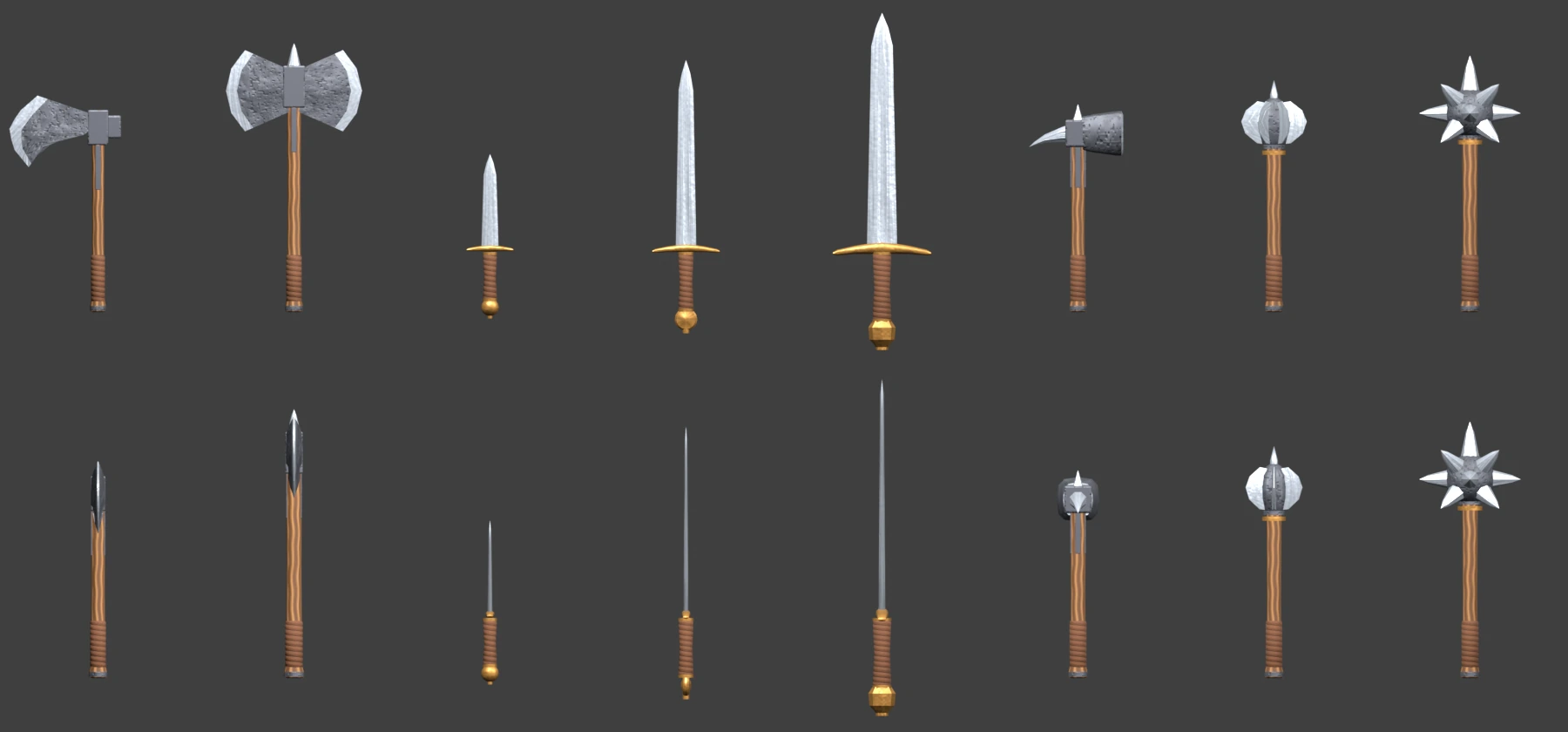
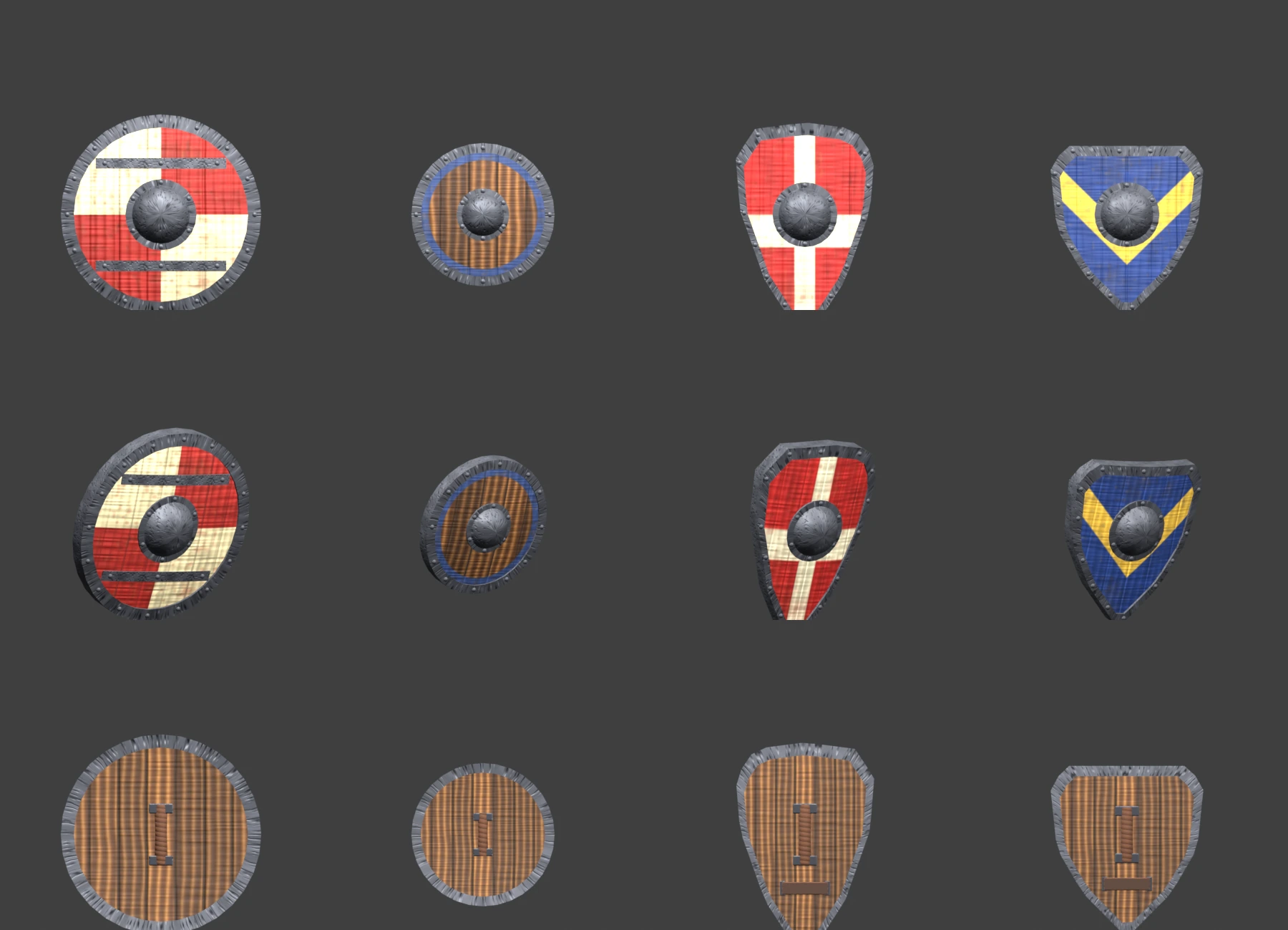
Multi-angle project references help keep equipment placement, depth and directional output consistent across the catalog.
Ready to capture
The documentation and this landing page stay lightweight. The browser downloads the full GLB only after you launch the working Studio.